Deliver video campaigns faster
[Creative teams]
From first cut to final approval – faster
Stop switching tools.
Start delivering faster.
Ci Media Cloud helps video-first creative teams manage every campaign asset from raw footage to final delivery. Centralize media, review cuts, collect frame-accurate feedback, create social-ready versions, and securely share deliverables with clients, partners, and stakeholders — all in one scalable platform.
Accelerate
creative
turnaround
Stop losing hours searching for files, untangling version confusion, and chasing feedback across disconnected tools. Ci combines storage, search, archive, and review & approval in one place — so your team stays focused on the work.
Built for video and rich media. Not just documents.
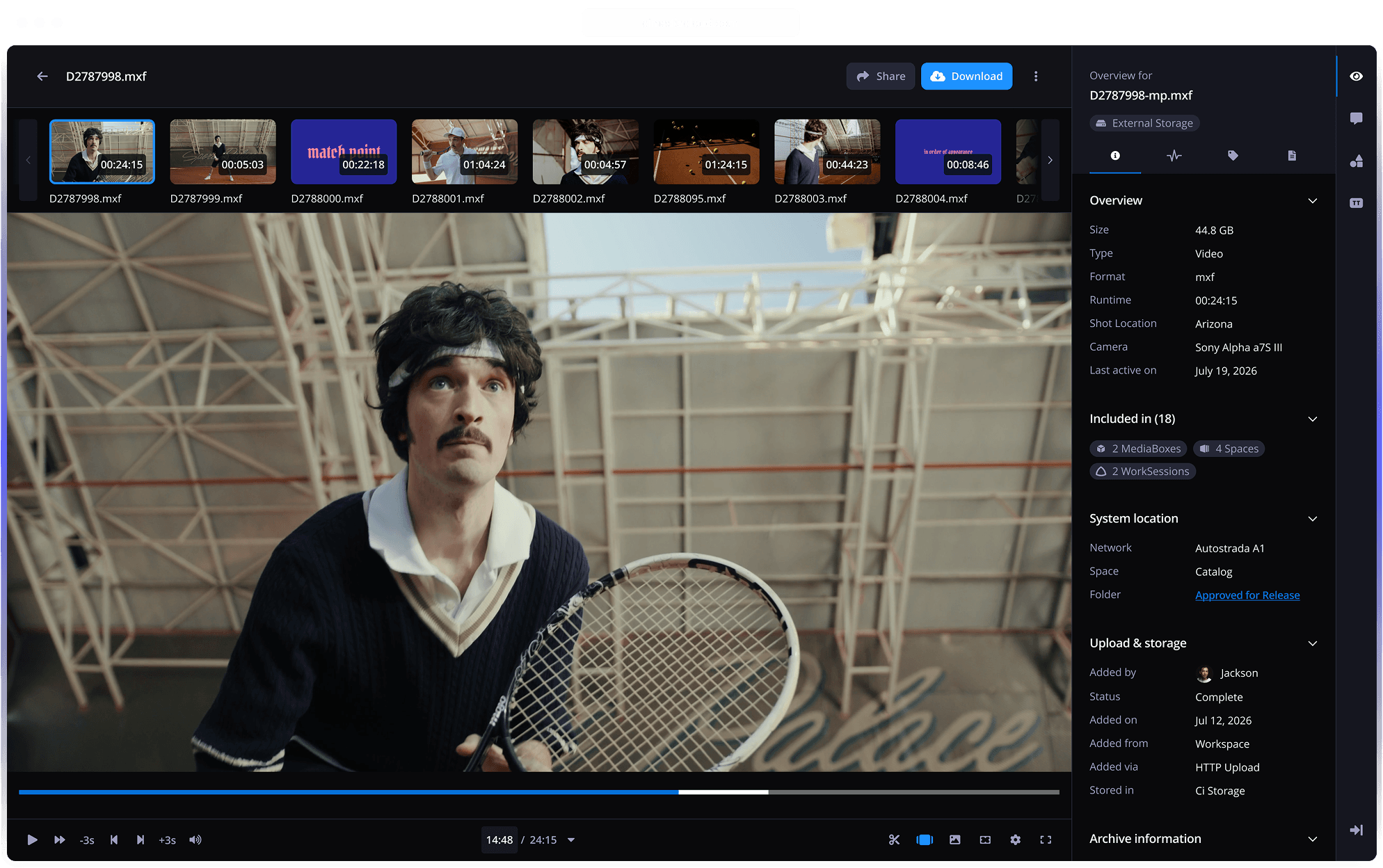
Ci was purpose-built for video workflows in the film industry. Preview RAW camera files instantly in your browser. No additional software, no conversions, no downloads. From camera card to final delivery, Ci handles it.
Unlimited seats. More value as your team grows.
Unlike competitors that charge per seat, Ci includes unlimited members on Team plans and above. Onboard creatives, producers, account managers, and client stakeholders without watching your bill grow.
Collaborate Internally.
Speed Up Client Approvals.
Whether it's an internal handoff between editors and producers or a client review on the latest cut — Ci keeps feedback, status, and decisions in one place with precision, visibility, and control.
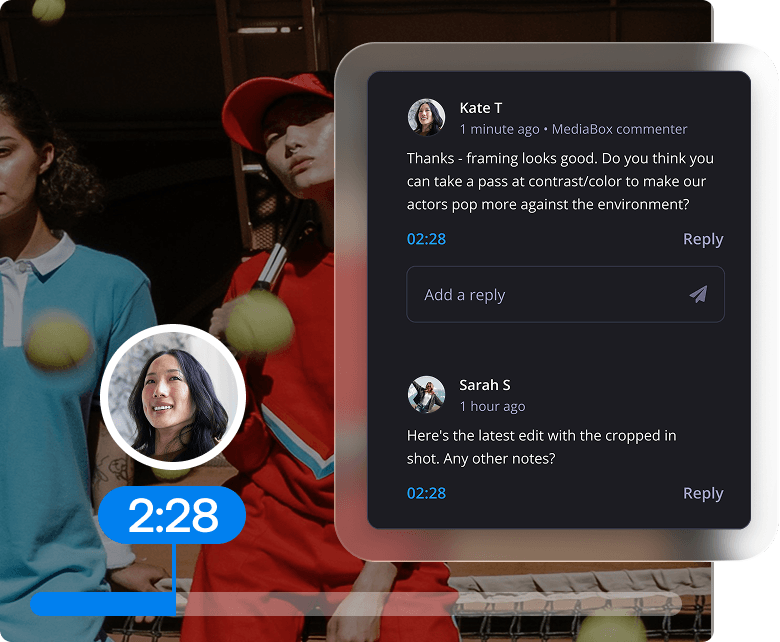
Frame-Accurate, Time-coded Comments
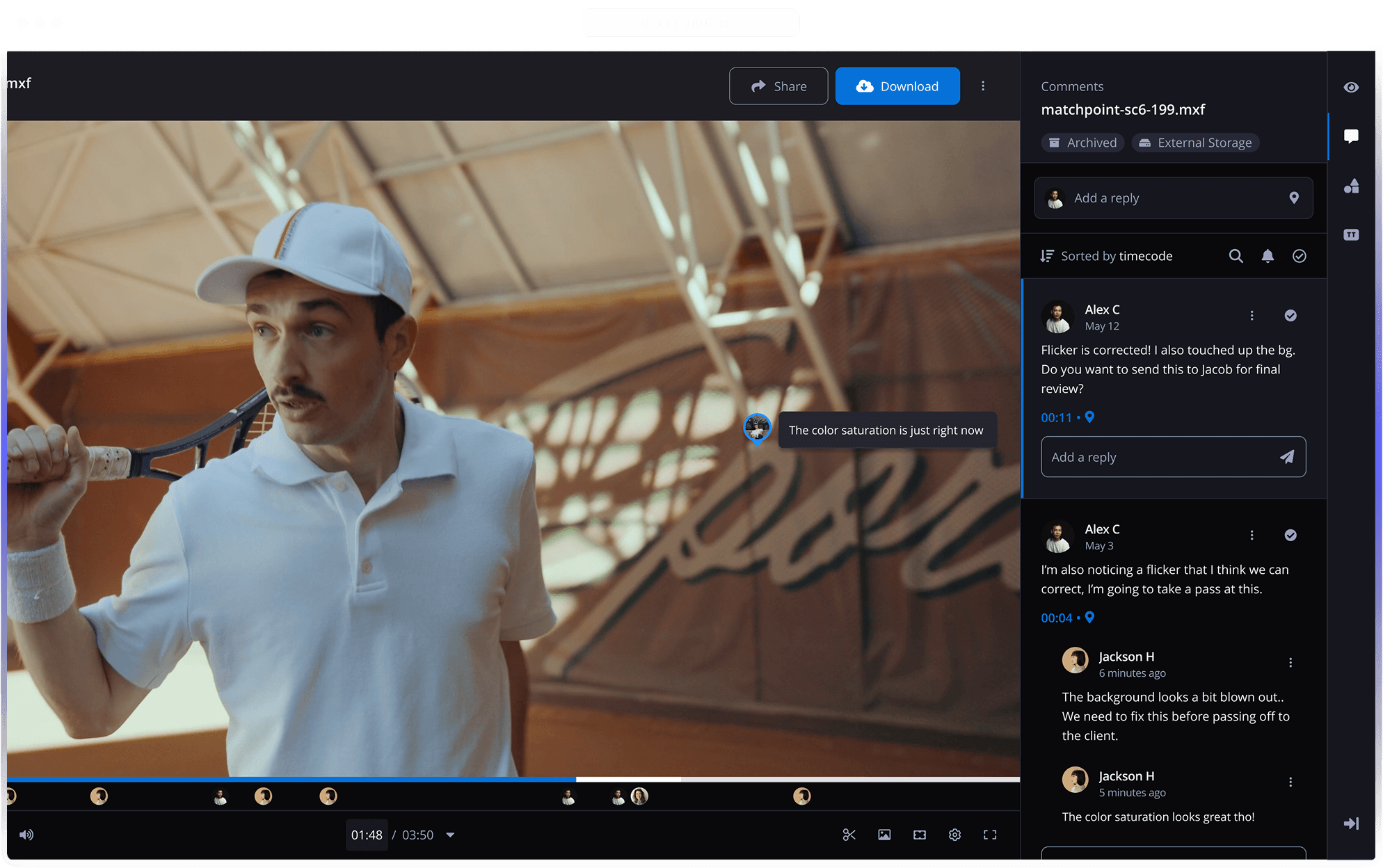
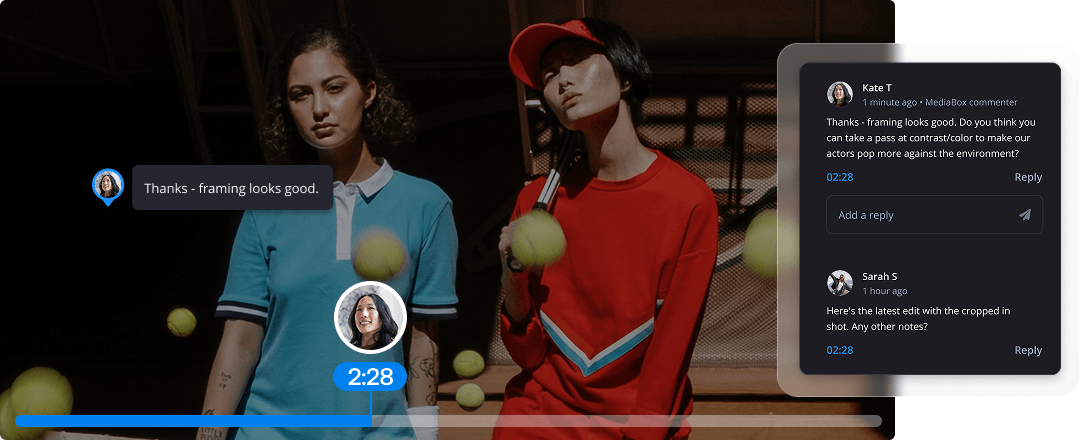
Streamline your entire review and approval process with frame-accurate, time-coded comments. Collaborate internally before sharing with clients, then let stakeholders comment directly on specific timecodes. One unified thread. No more scattered email feedback.
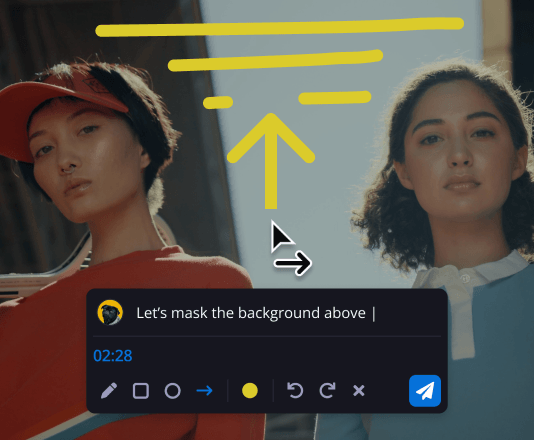
Mark-ups & Annotations
Internal teams and external stakeholders can draw and mark-up directly on-frame for crystal-clear communication.
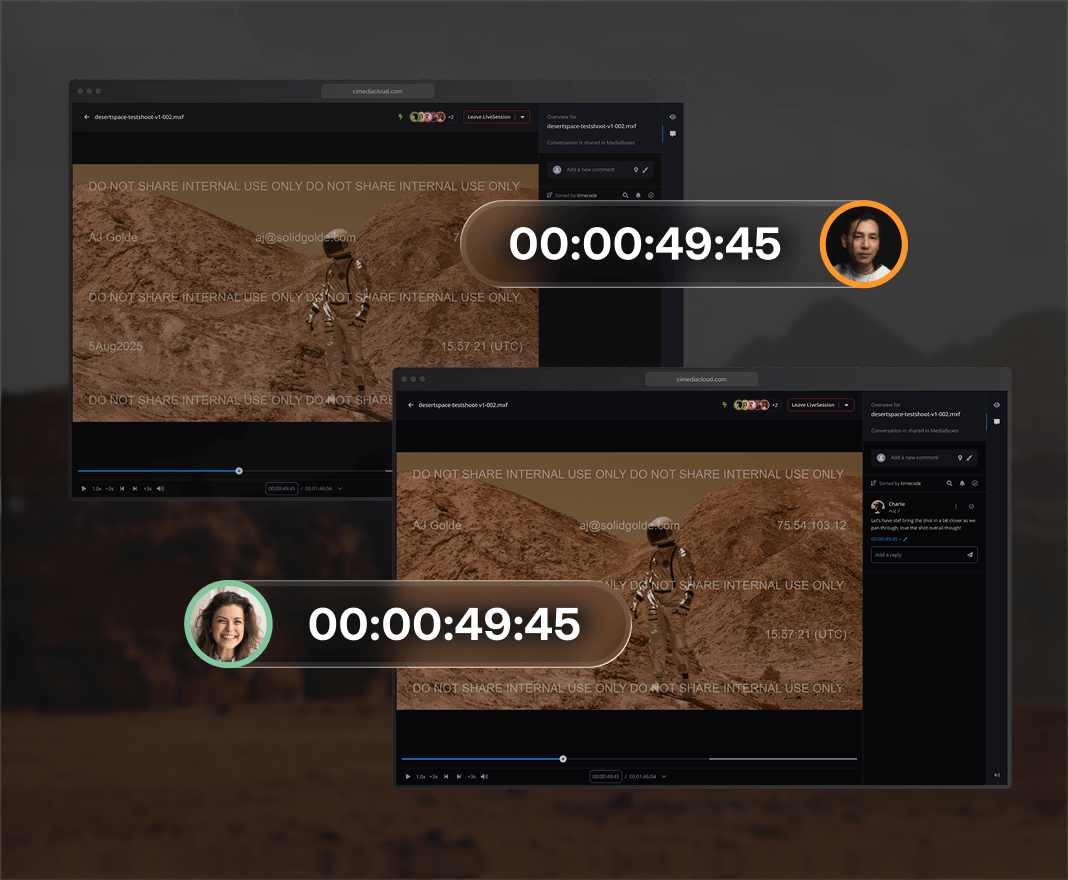
Synchronized Playback for Live Reviews*
Review content together in real time with synchronized playback. Watch, discuss, and make decisions instantly, regardless of your team’s location.
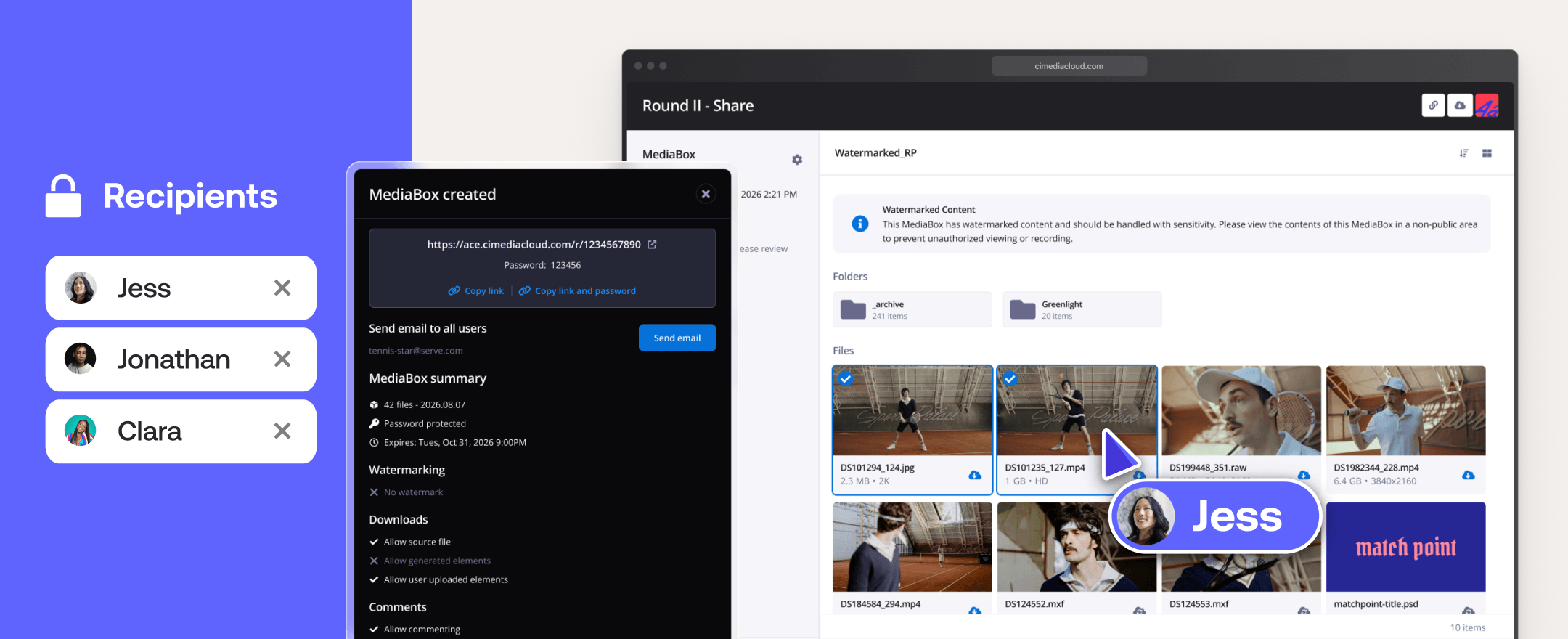
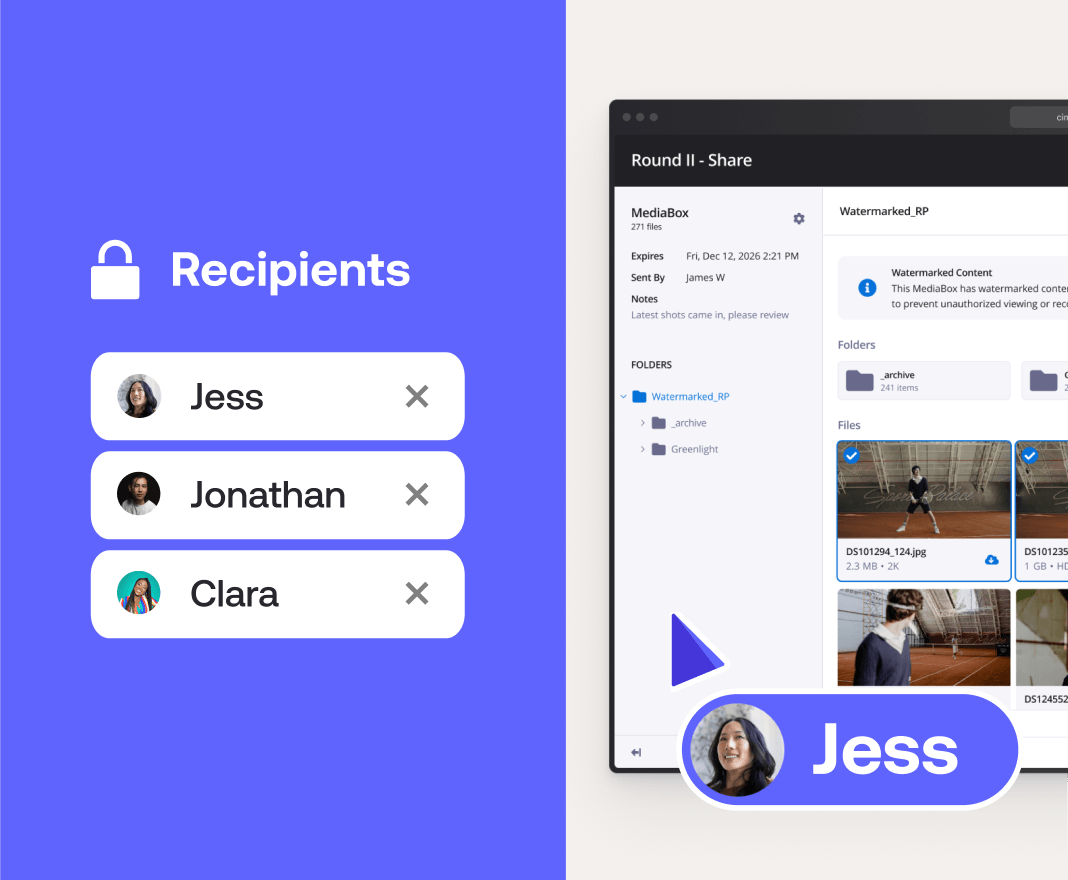
Secure Share-Links via Ci MediaBox
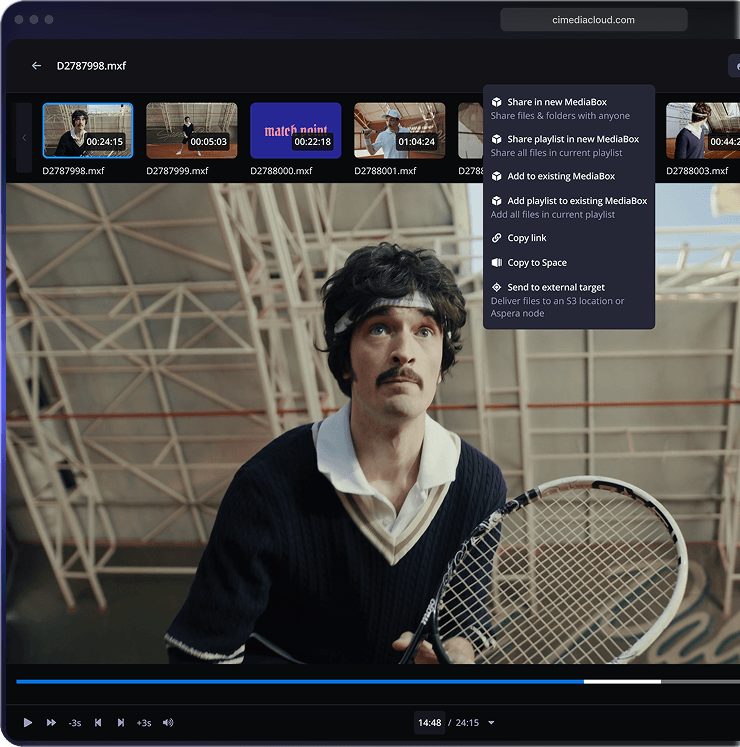
Securely share files and folders with flexible review links. Allow no-login previews, add dynamic visual watermarks to unreleased campaign assets, and require login access for final deliverable downloads.
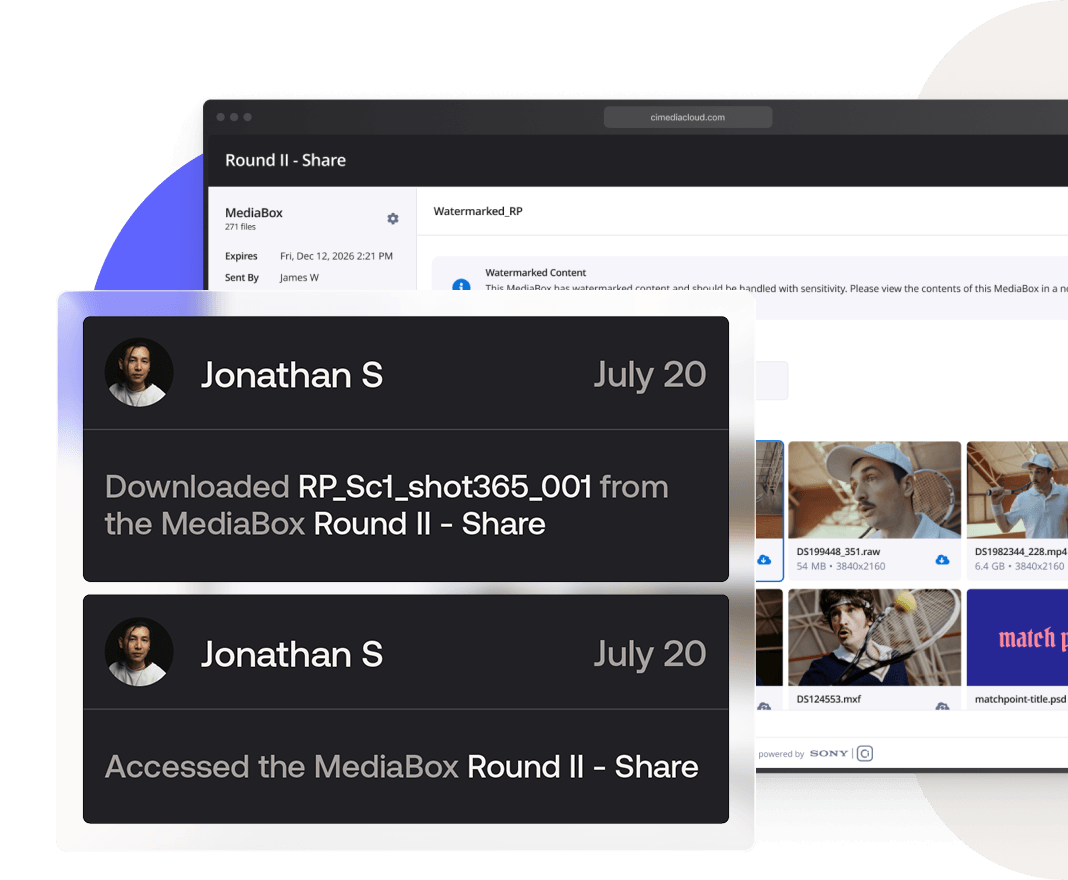
Instant Notifications
Know exactly when the latest creative is uploaded or when a client previews or downloads your deliverable, so you can take the next action.
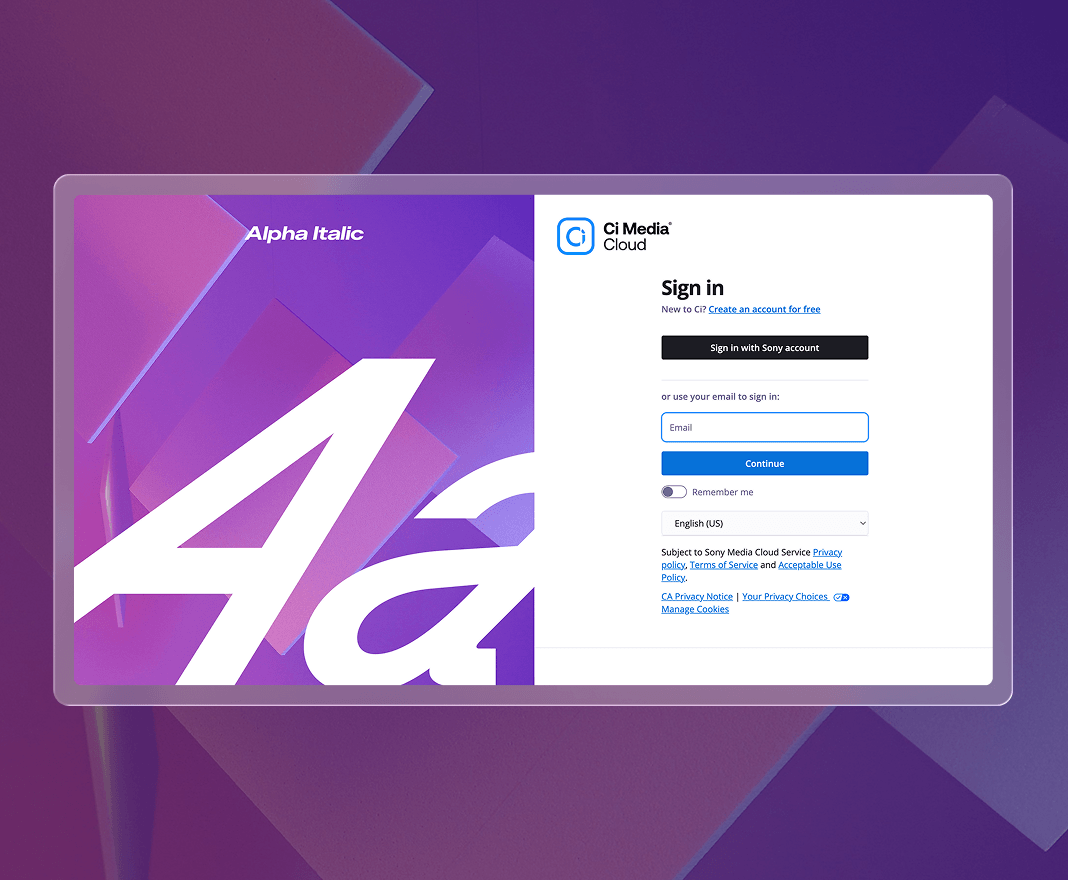
Branded Stakeholder Experience*
Apply custom branding to key stakeholder touchpoints, including subdomains, login pages, MediaBox share-links, and File Request landing pages.
Try any of our flexible plans today
Experience camera-to-the-cloud efficiency with Ci Media Cloud. Eliminate manual transfers and start collaborating in real-time.
Seamlessly Connect Your Creative Tools
Ci integrates natively with the tools your creative team already uses.
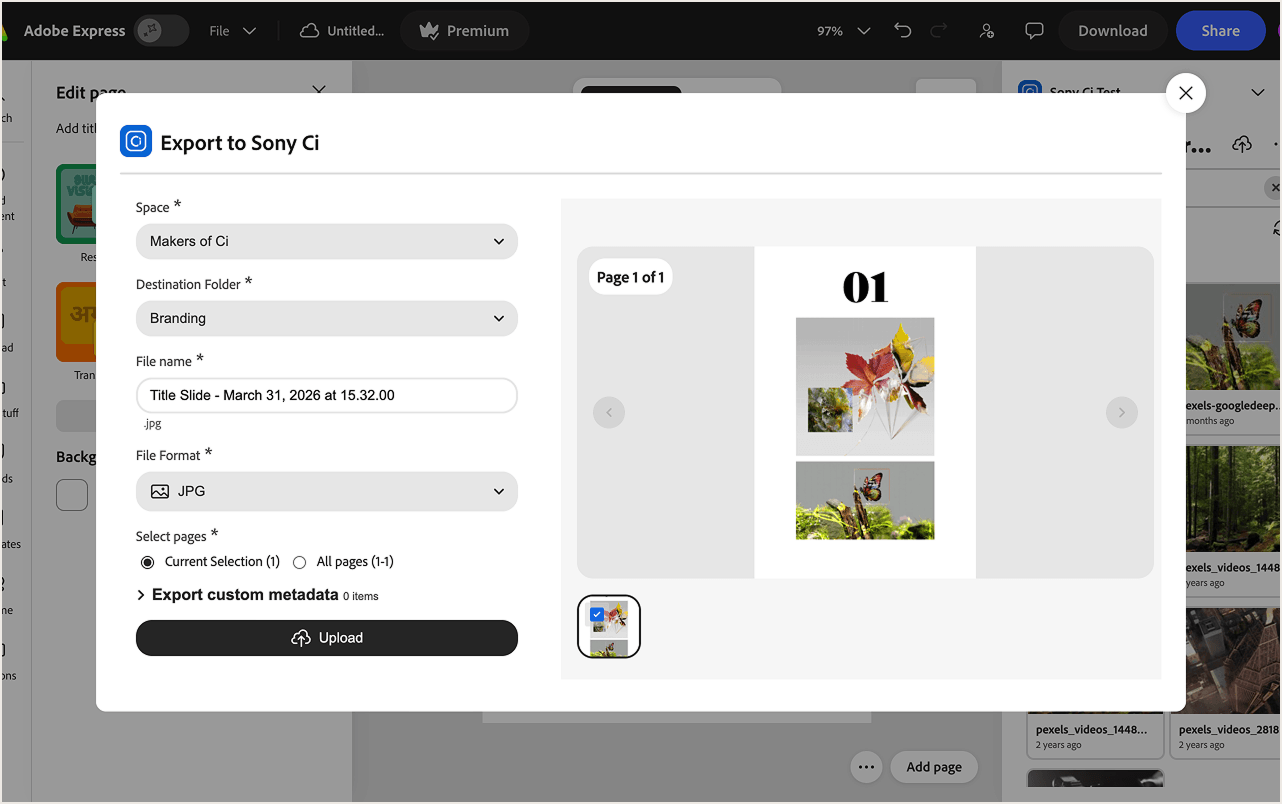
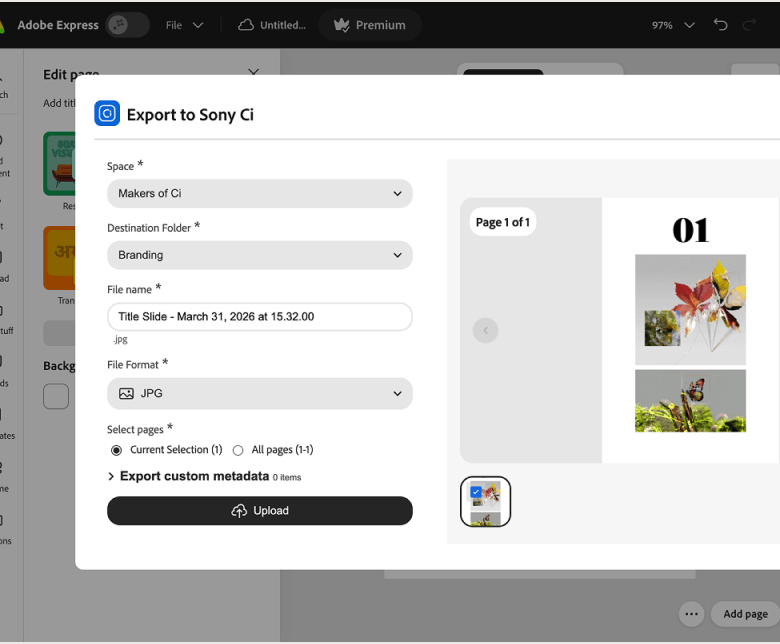
Adobe Express: Create on-brand content faster with assets from Ci
Access, browse, and import approved brand assets from Ci Workspaces directly within Adobe Express. The Ci Media Cloud add-on helps marketing and creative teams create on-brand content faster without downloading files, re-uploading assets, or storing media locally.
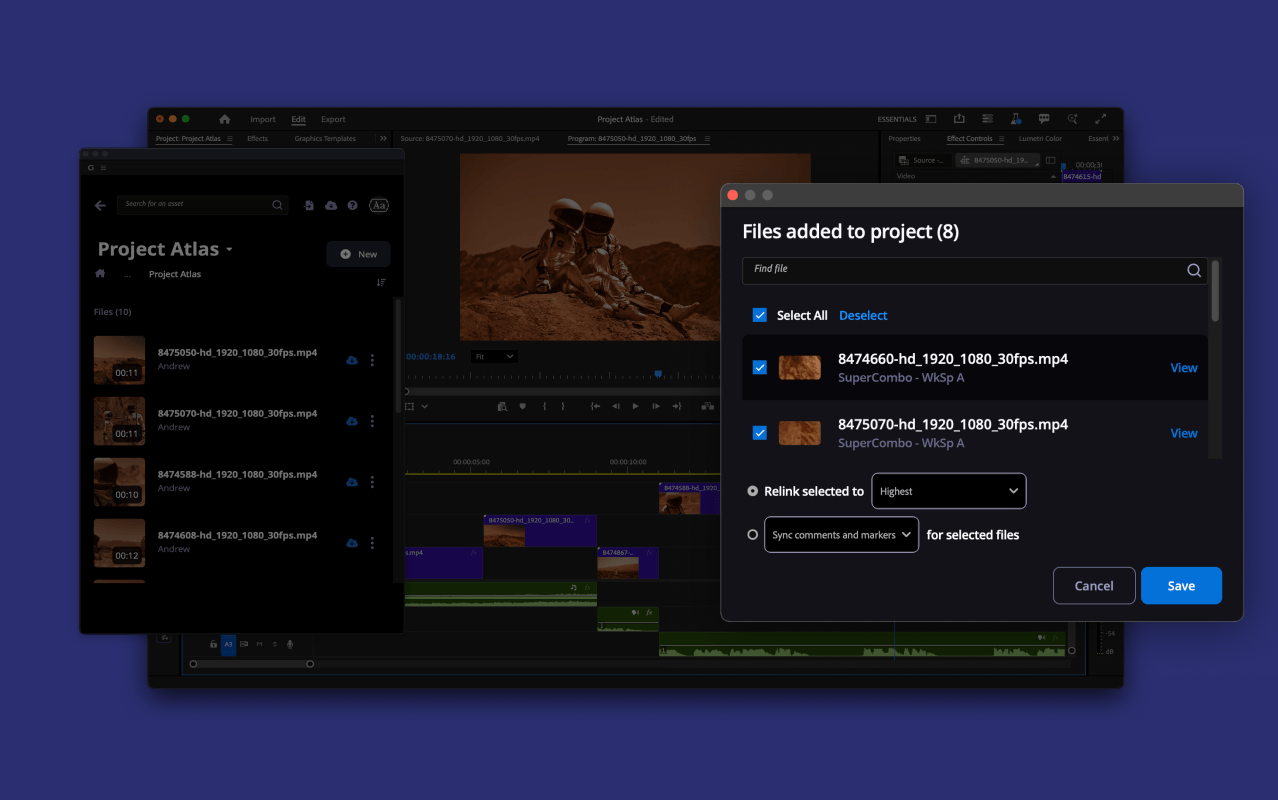
Adobe Premiere Pro: Streamline editorial workflows with Ci
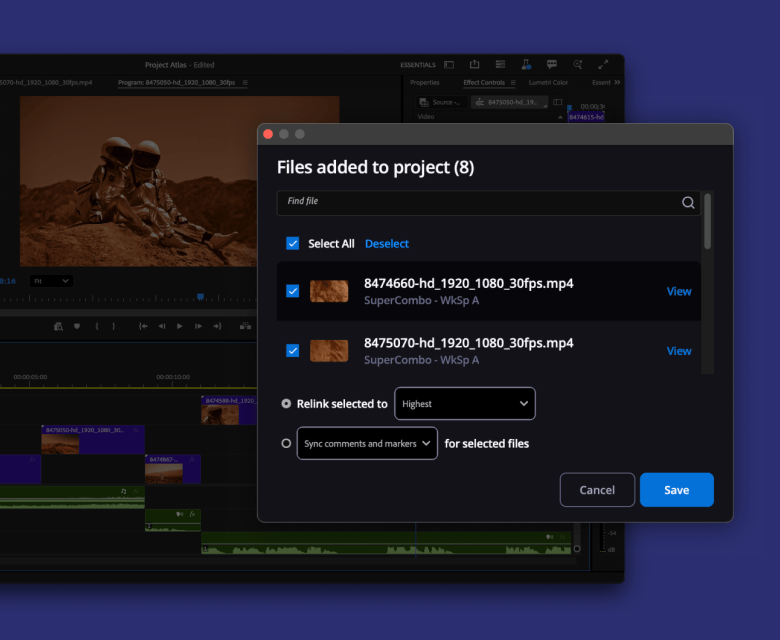
Connect Adobe Premiere Pro with Ci Media Cloud to streamline editorial workflows. Editors can browse and import media from Ci Workspaces, then export finished work back to Ci for centralized review, sharing, and delivery.
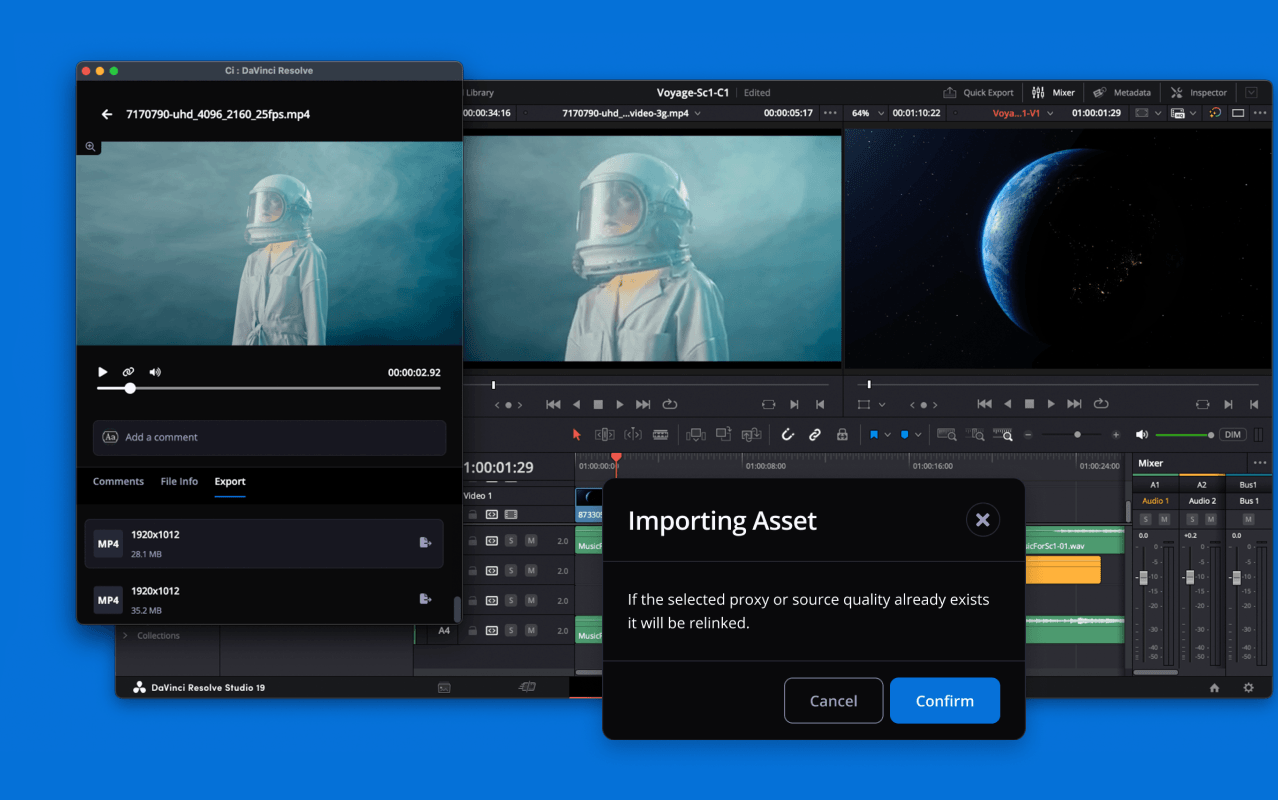
DaVinci Resolve: Simplify editing, color, and finishing workflows
Connect DaVinci Resolve Studio with Ci Media Cloud to simplify editing, color, and finishing workflows. Teams can access media from Ci Workspaces and export completed work back to Ci to keep post-production assets centralized and ready for review or delivery.
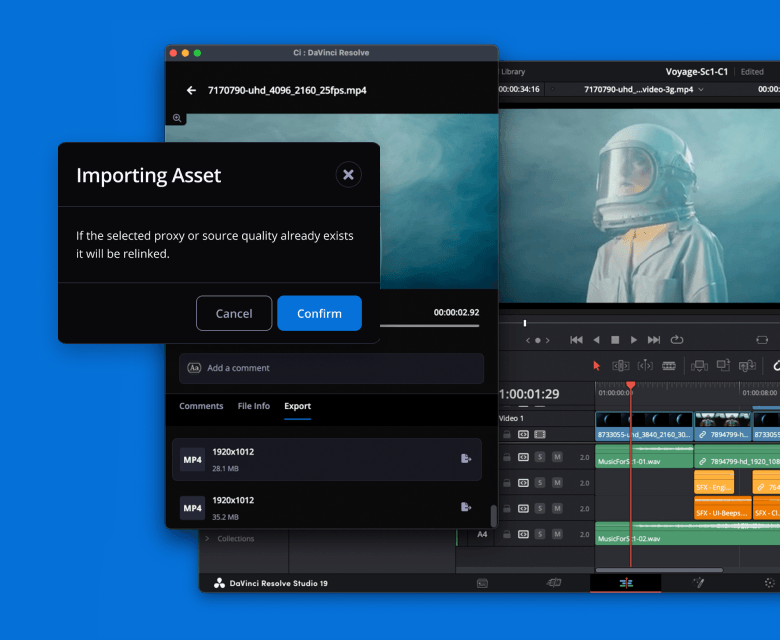
Create more versions from every video asset
Repurpose campaign footage, trailers, brand films, interviews, product videos, and event recaps into platform-ready clips for social, paid media, YouTube, presentations, and client delivery.
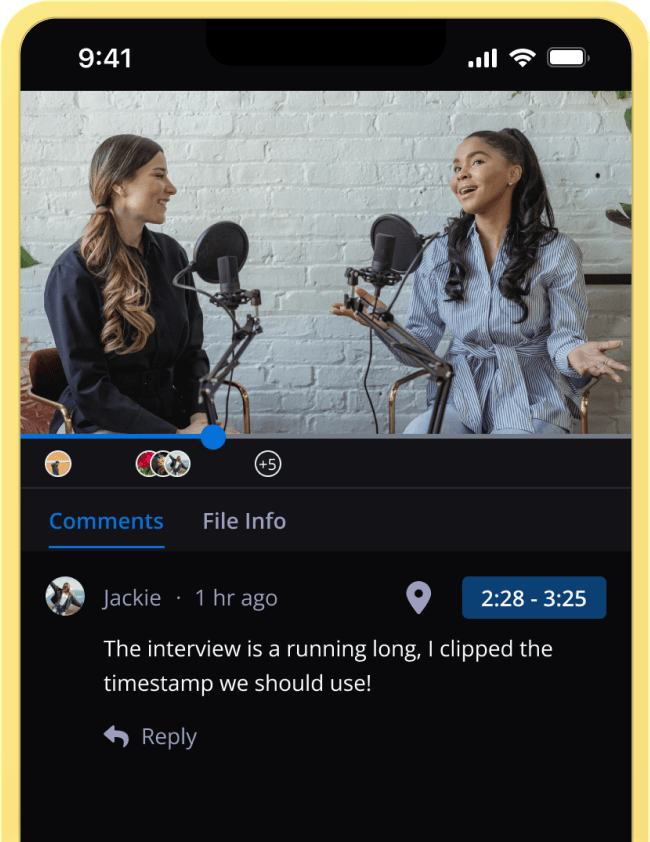
Clipping tool
Cut long-form videos into short clips directly in your browser. Use preset social profiles, adjust framing, add fade-ins, and render to MP4 or custom formats.
One-click
Pull a thumbnail from any video frame without downloading source footage. Create frame grabs for YouTube, social publishing, presentations, and client review.
Custom render profiles
Automatically transcode files into the formats your team needs, or render on demand. Store source files and custom renders together for faster sharing and delivery.
One searchable source of truth for every campaign asset
Keep source footage, rough cuts, final masters, social versions, graphics, scripts, and client deliverables connected in one secure workspace. Organize, preview, search, archive, and reuse assets by client, campaign, project, channel, or market.
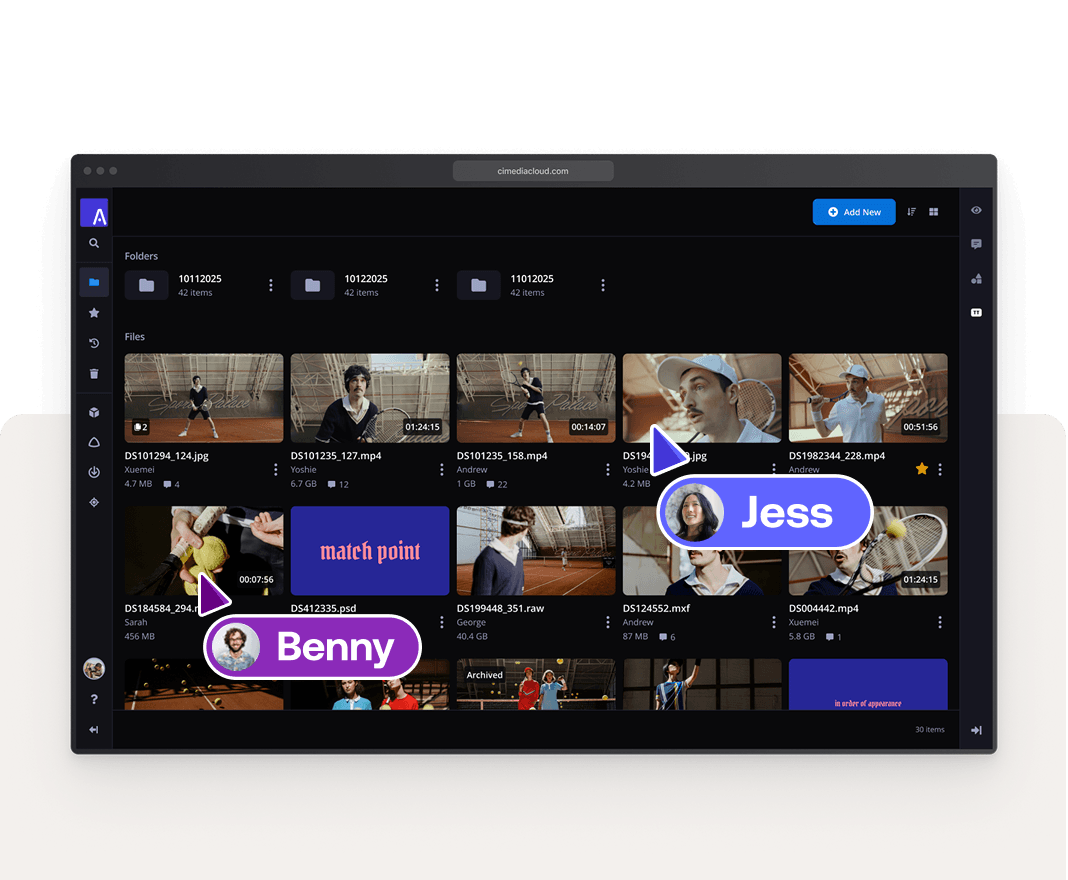
Centralized Asset Storage
Store all your media from raw camera files to final exports in one secure, searchable location accessible by your whole team.

Preview Creative Deliverables
Preview PDFs, Illustrator (.ai), Photoshop (.psd), RAW, and other creative formats directly in your browser. No software required.
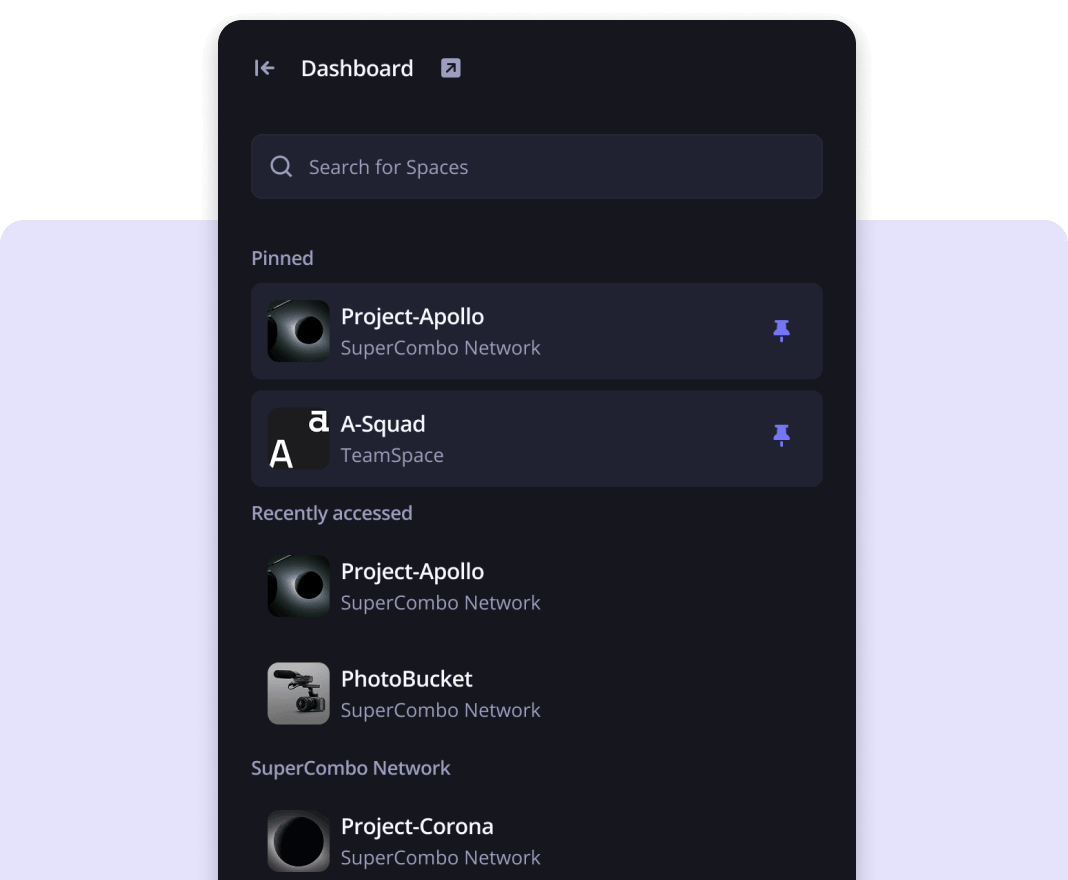
Organize by Client & Project
Use Workspaces and folders to mirror how your team works, keeping assets separated by client, campaign, or project.
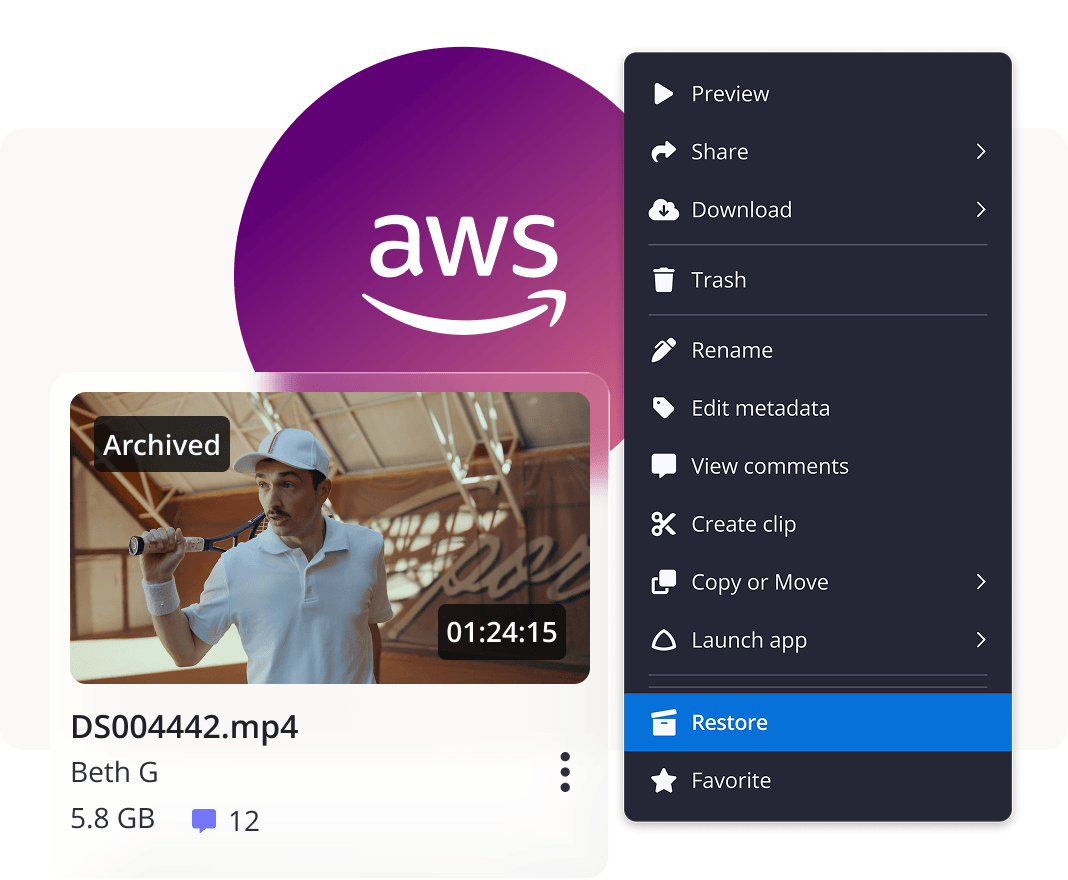
Preserve Campaign Assets for Future Reuse
Archive completed projects to lower storage costs while keeping assets searchable, previewable, and ready to restore for future campaigns, revisions, or client requests.
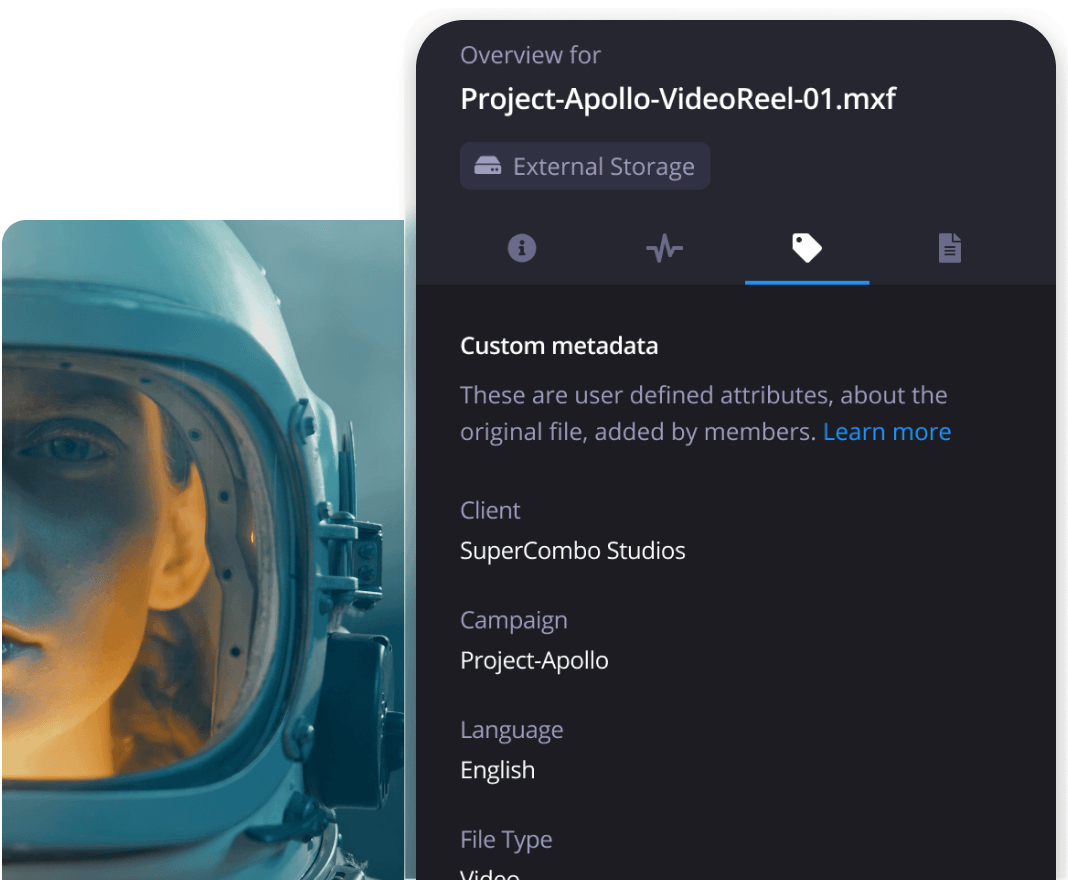
Advanced Search & Custom Metadata
Search by filename, metadata, tags, dates, and more to find and preview the exact asset you need instantly.
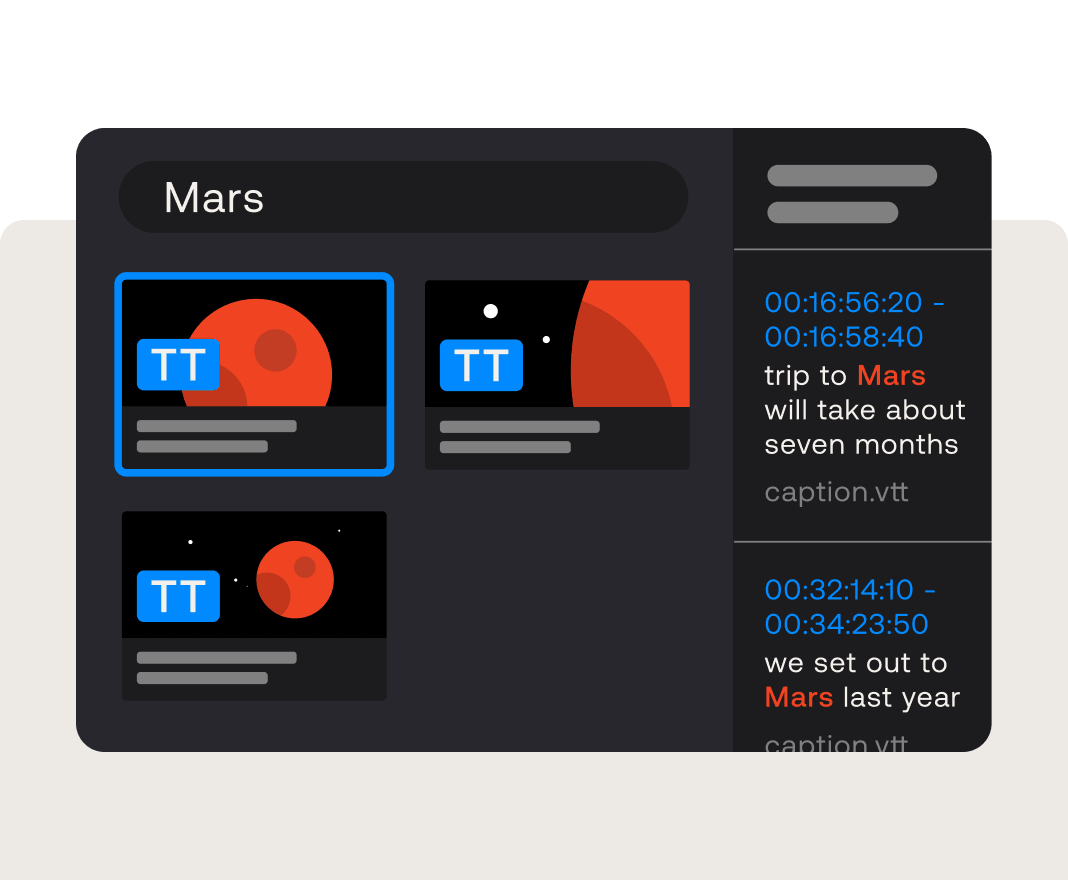
Caption search & thumbnail scrubbing
Search video clips by caption keywords and scrub thumbnails to preview footage without opening the full playback experience.
Move faster with workflow automation*
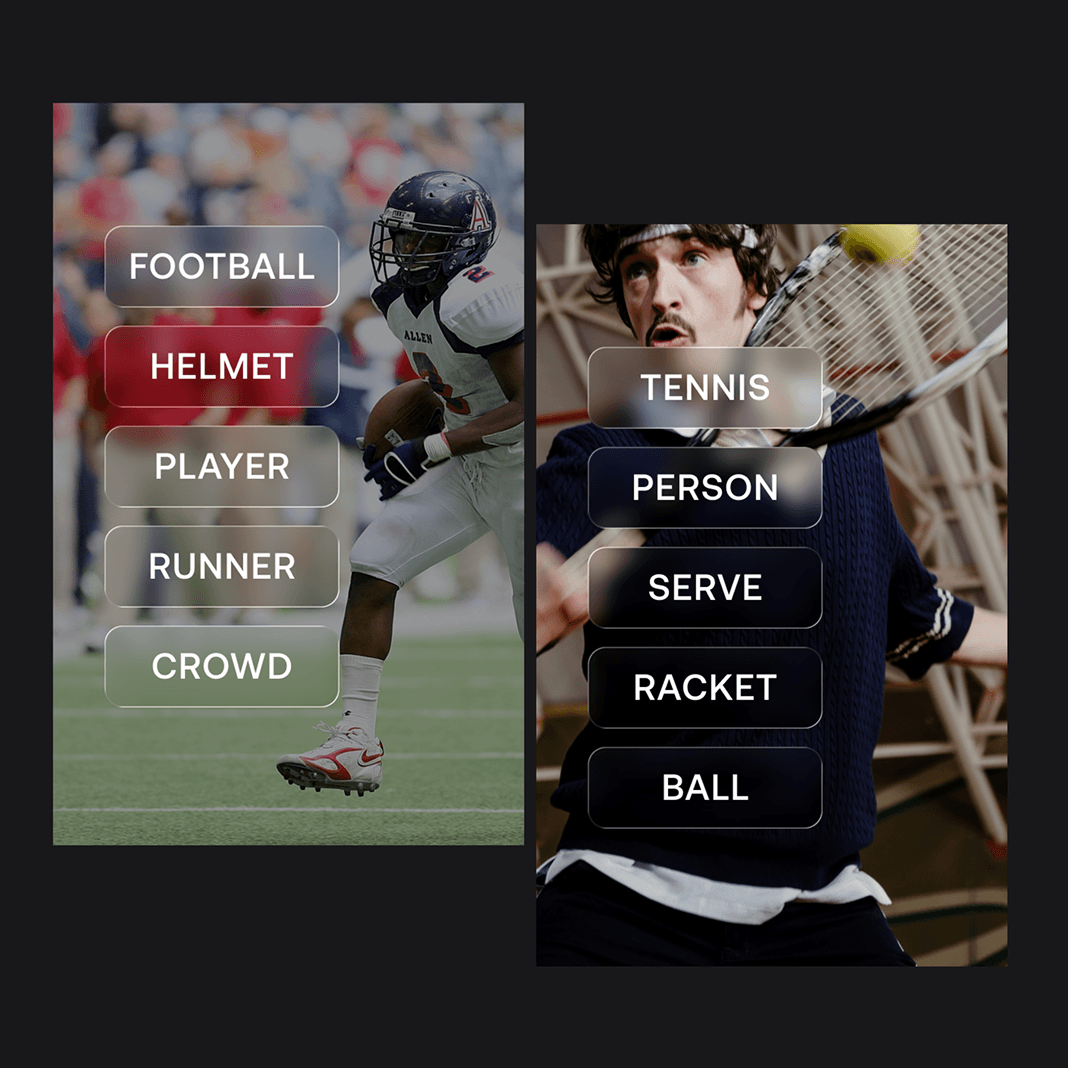
Available as enterprise add-ons, these automation tools help high-volume video teams reduce manual work across tagging, transcription, and publishing workflows.
Contact us to learn how Ci Media Cloud can help optimize your workflows.
Find a plan that's right for you
Ci Media Cloud offers flexible pricing plans tailored to meet the needs of production teams of all sizes. See our pricing plans or contact us for a personalized quote.